
PLCs and HMIs
Remote access to PLCs and HMIs, without opening a port
Your authorised teams reach the PLCs and HMIs spread across your sites or installed at your customers' premises. The agent creates an outbound connection to your hub; you keep the rights, the logs and the sessions, without exposing a port on the machine's network.
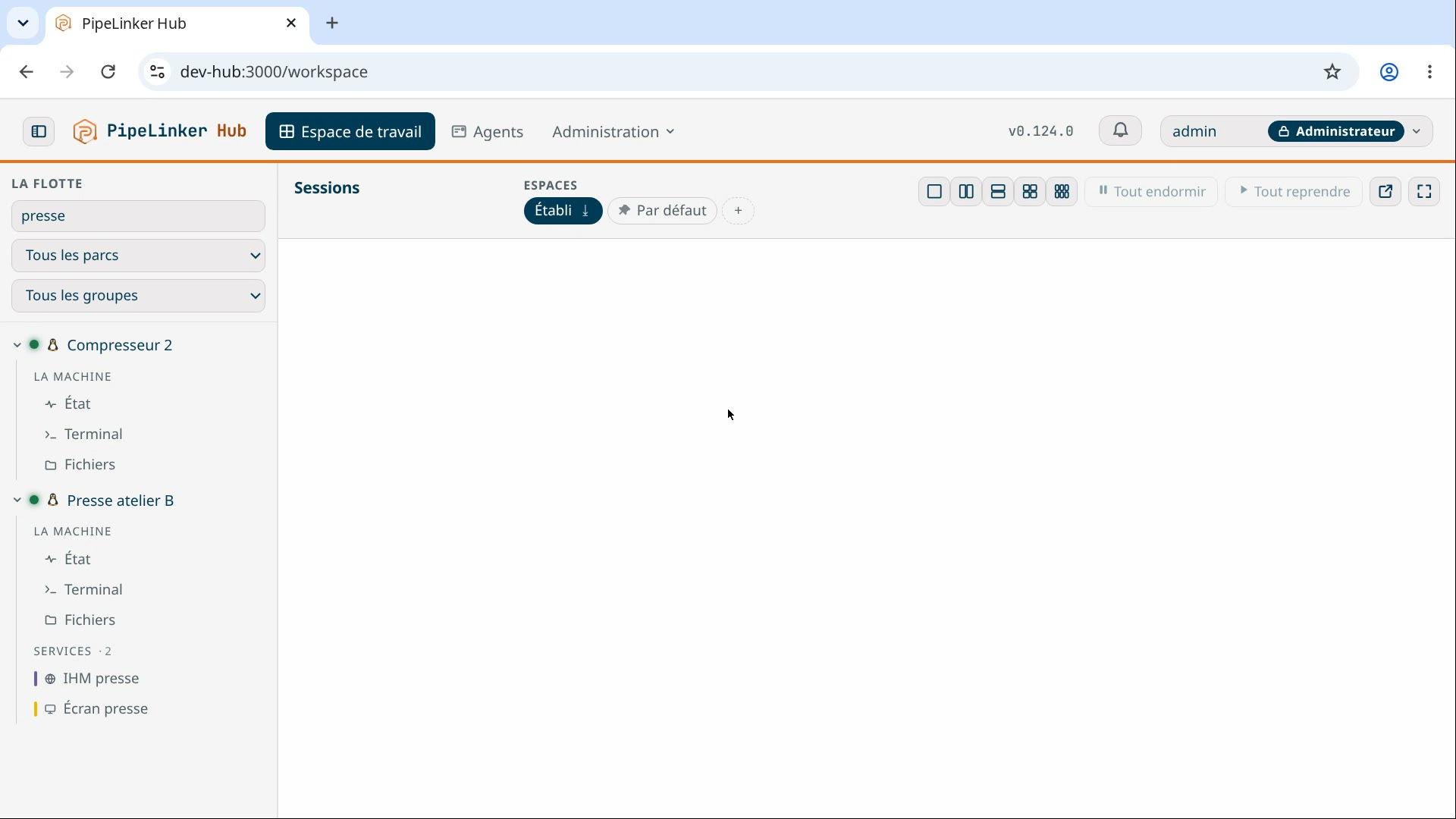 Prise 4
From the equipment to the person working: the path
The path, in this order. The equipment - PLC, HMI, controller - is reached by the agent placed on a machine of its own network. The agent opens an outbound flow to the hub you host: nothing listens on the site, and no inbound firewall rule is requested. The hub carries the telemetry, the rights, the log and the recordable sessions. The authorised person enters through the hub, and reaches only the targets opened to them - never the site's network.
Diagnosing or programming a PLC remotely
Your PLC client runs on your workstation, as always. PipeLinker Desktop opens a local port and forwards it to the declared service: the vendor's tool reaches the equipment by name, with no address to rewrite and no extra interface to learn. What changes is the path; not the tool, not the method.
The equipment itself received nothing. It carries no agent, it was not restarted, and its network was not opened: the agent on a neighbouring machine opens the final connection, outbound.
Reaching an HMI or an industrial web interface
The HMI opens in your browser, through the agent's connection, with no VPN and no client to install. Routing is done by hostname and not by path prefix, and that detail decides everything: these firmwares write absolute URLs everywhere, and path routing breaks them - the page loads, the buttons no longer do anything. By name, the interface behaves as it does on site.
Preparing the job with telemetry
Before opening anything, the machine's state is already there: what answers, what no longer does, since when, and what runs on it. An automation engineer on call knows whether they open a session or take the car, which is not the same evening.
Framing the access of automation engineers and integrators
Rights are granted by role, by fleet and by target, to named people. An integrator sees their customer's fleet and nothing else. When the target's credential is sealed in the hub, they open the session without ever receiving it. And everything they do goes into the log: the time, the target, the duration, and the whole run when it is a terminal or a screen.
Working at a customer's site without asking them to open a port
This is often the real constraint for a machine builder: the network is not theirs, and the request to open it goes through an IT team with no reason to say yes. The agent needs only an outbound internet connection - 4G, 5G, the site's router - and nothing to expose: the question no longer arises, so it is no longer negotiated.
Who enters, on which target, and what is left of it in the log
The questions we get
Will my PLC client work as it is?
That is the principle: a local port on your workstation, forwarded to the declared service. Tools that reach an address and a port work unchanged. Anything that needs broadcast discovery on the local network does not - and that is proven at enrolment, not on the day of an intervention.
What if the HMI is plain HTTP, with no certificate?
That is the common case on industrial equipment, and it is not a problem: the encrypted link is the one from your browser to the hub and from the hub to the agent. The last hop stays on the equipment's local network, where it always was.
How many devices behind a single agent?
As many as the network carries: you declare one service per target, and the licence counts the machines where the agent is installed, not the services they serve.
Page last updated on 22 September 2026. Technical page, maintained by the PipeLinker team at LOOTUS SECURITY, publisher of the product. The date comes from the repository, not from a hand edit.