
Remote access
Act without travelling, without opening a port
Your PLCs, HMIs, workstations and industrial equipment, reached without opening an inbound port. The agent calls the hub you host, and everything goes through that flow: shell, files, SSH, SFTP, remote screen, web interfaces. One outbound flow to allow, no inbound rule. Before you open, telemetry says what answers; while you work, rights say who does what; afterwards, the log keeps it.
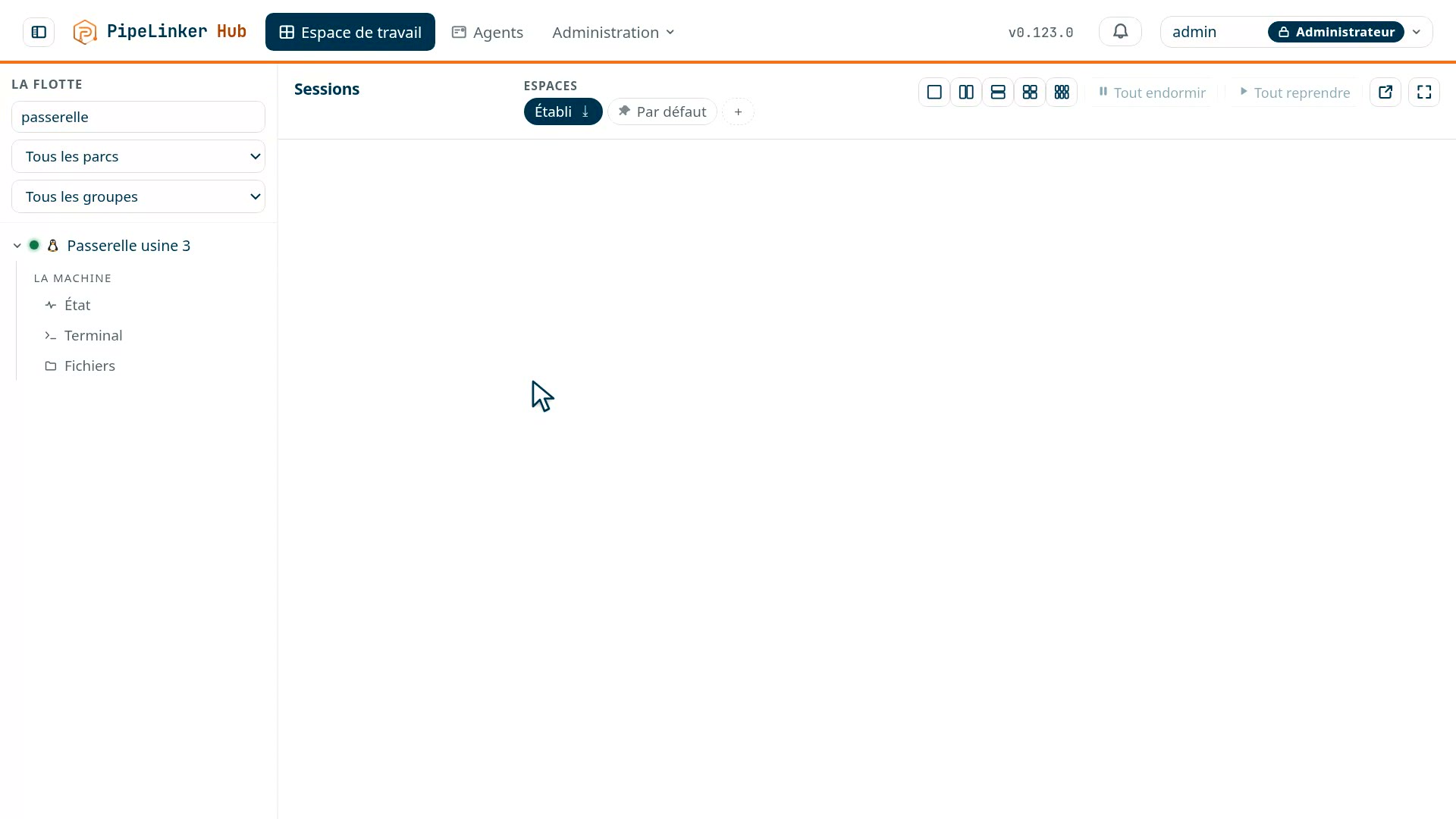 Prise 2
No inbound port, ever
The agent itself establishes an outbound, encrypted connection to the hub, and keeps it open. Everything goes through it: telemetry, commands, updates, and remote access. So there is no firewall rule to obtain on the remote site, no fixed address to ask the carrier for, no port to expose on the internet.
A plain outbound internet connection is enough: a 4G or 5G link, a contractor's router, a site link - a network you do not control. The channel keeps itself up, and a whole fleet reconnects after an outage without bringing the hub down.
What you do through it
An interactive shell
A real session: line editing, completion, full-screen programs. On Linux as on Windows.
How the hub reaches the equipment behind the agent
Under each of these accesses, the same mechanism: it is the agent that opens the final connection to the requested host and port, always outbound. That is what gives you the machines behind it, and not only itself.
It is not one more feature, and there is nothing to do with it directly: you do not ask for "a tunnel", you ask for a declared service, and the tunnel is how it is reached. The hub knows no mode other than those above.
Nothing is installed on your workstation, and nothing listens there. The channel does not end in a local port: the right is granted to the person, not to the machine they happen to be sitting at. Every session - shell, files, screen, remote desktop, web interfaces - is held in the console, in the browser.
The files of the machine itself
Distinct from SFTP: here there is neither SSH nor a declared service, the agent opens its own machine's disk, with its own rights. Browse, upload, retrieve, rename.
It is closed by default, and it takes two agreements to open it: the machine's and the operations team's - a control set on one side only would be worked around from the side you do not hold. The access is bounded by a declared root, and writing takes one more setting than reading.
Writes go into the log - upload, deletion, rename, permission change.
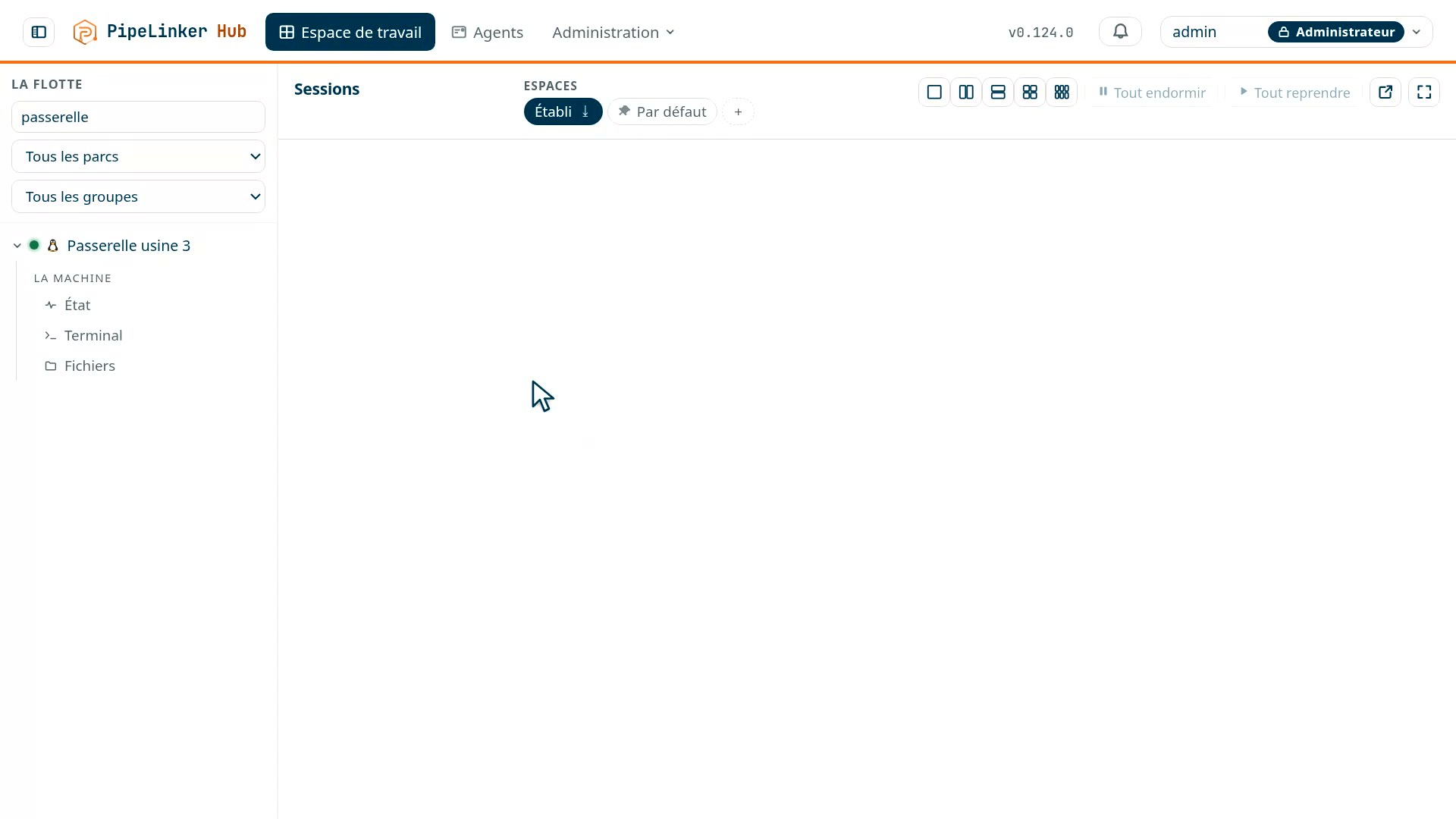 Prise 8
A remote screen
Access to a VNC server local to the agent, or simply reachable from it: the same mechanism, the agent opening a connection to the requested host and port. Nothing to install on the target machine.
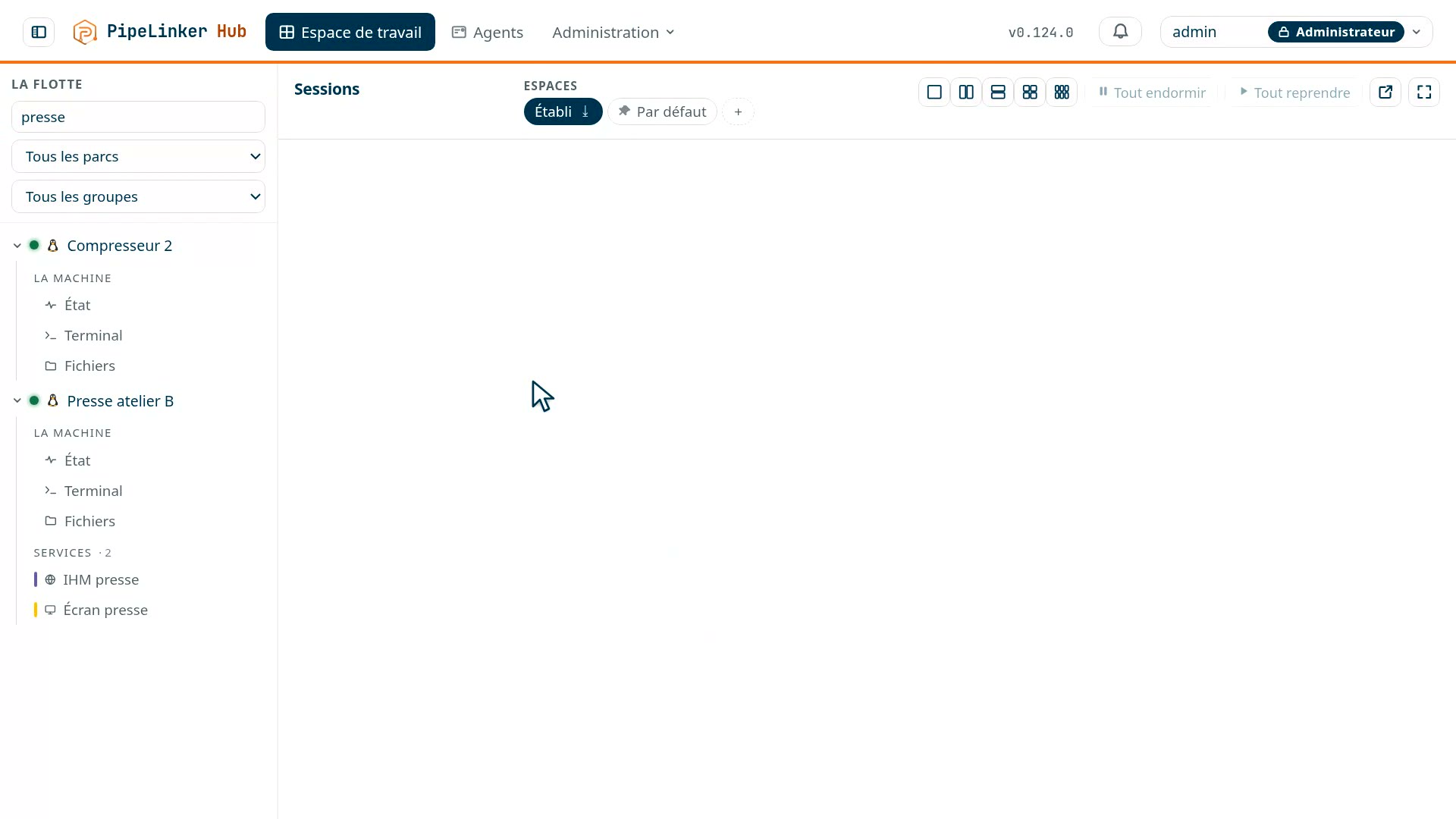 Prise 7
A remote desktop
A Windows workstation reachable behind the agent opens in the browser, with no client to install: the hub holds the RDP connection, decodes it and sends you the image. That is what makes it possible to record the session and to hand it over read-only - someone watching without being able to act - which an RDP client installed on your workstation could not do.
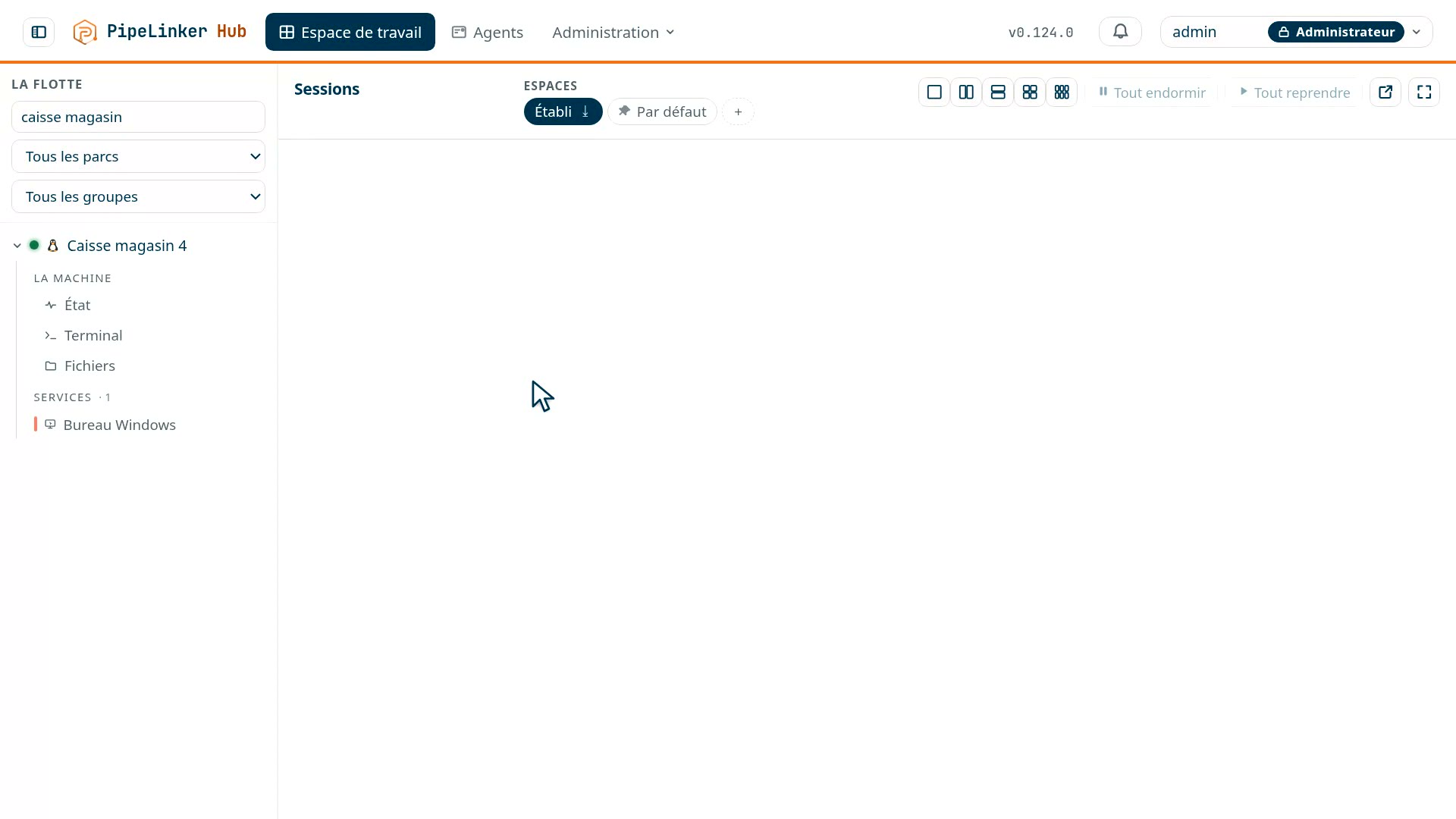 Prise 13
Equipment web interfaces
The web HMI of a PLC or a UPS, opened in your browser through the agent's connection.
Tell us what equipment, behind which networks. We show you the console on it.
Traced, recorded, defensible
 Prise 3
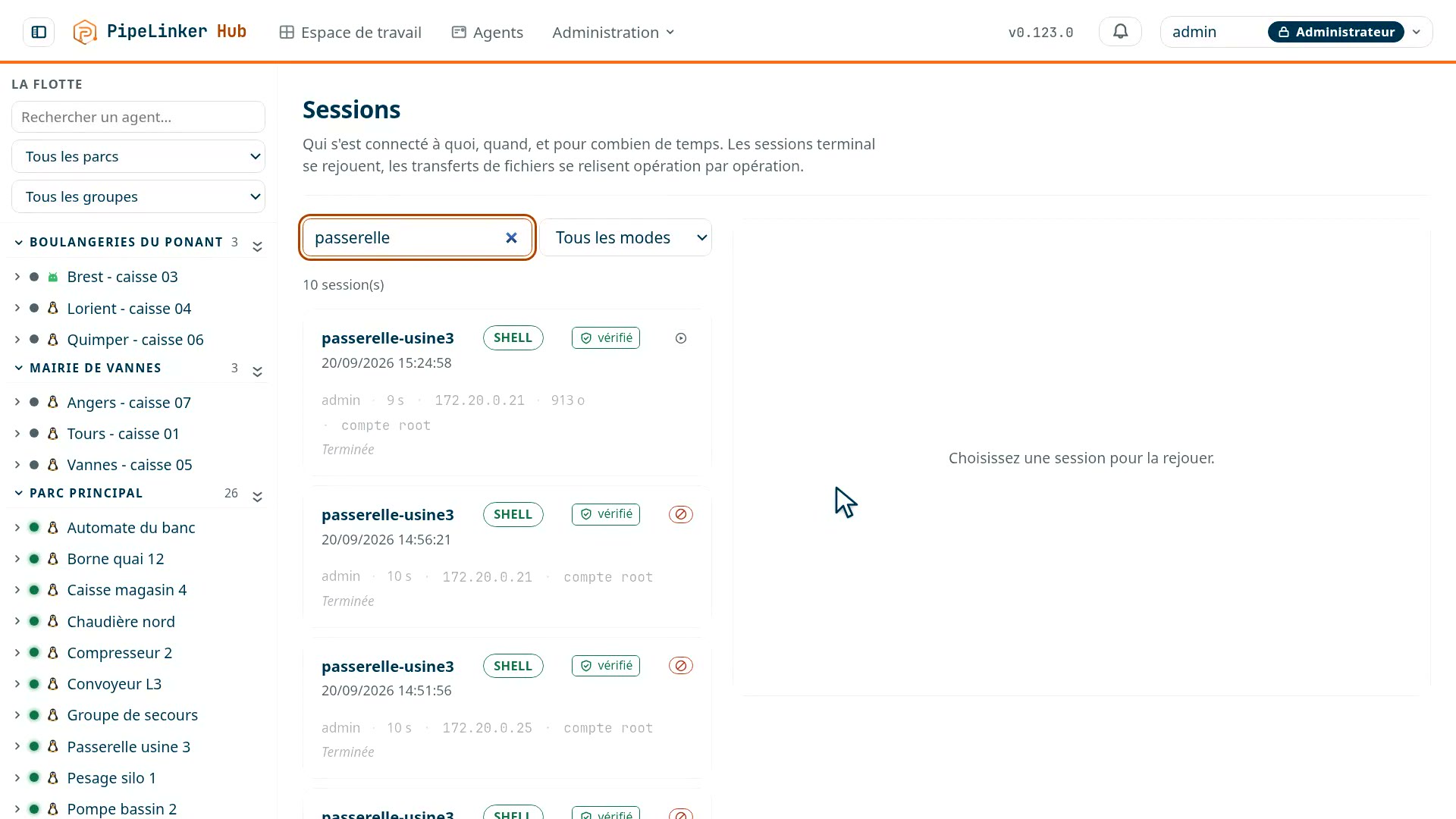
The audit log keeps who accessed what, when, and what was done there; terminal and screen sessions are recorded and replayed. You do not only open the door: you can show what happened behind it.
The interactive shell remains an advanced capability, kept for the roles that warrant it: not everyone needs a command prompt on a gateway in production.
What you know before opening the session
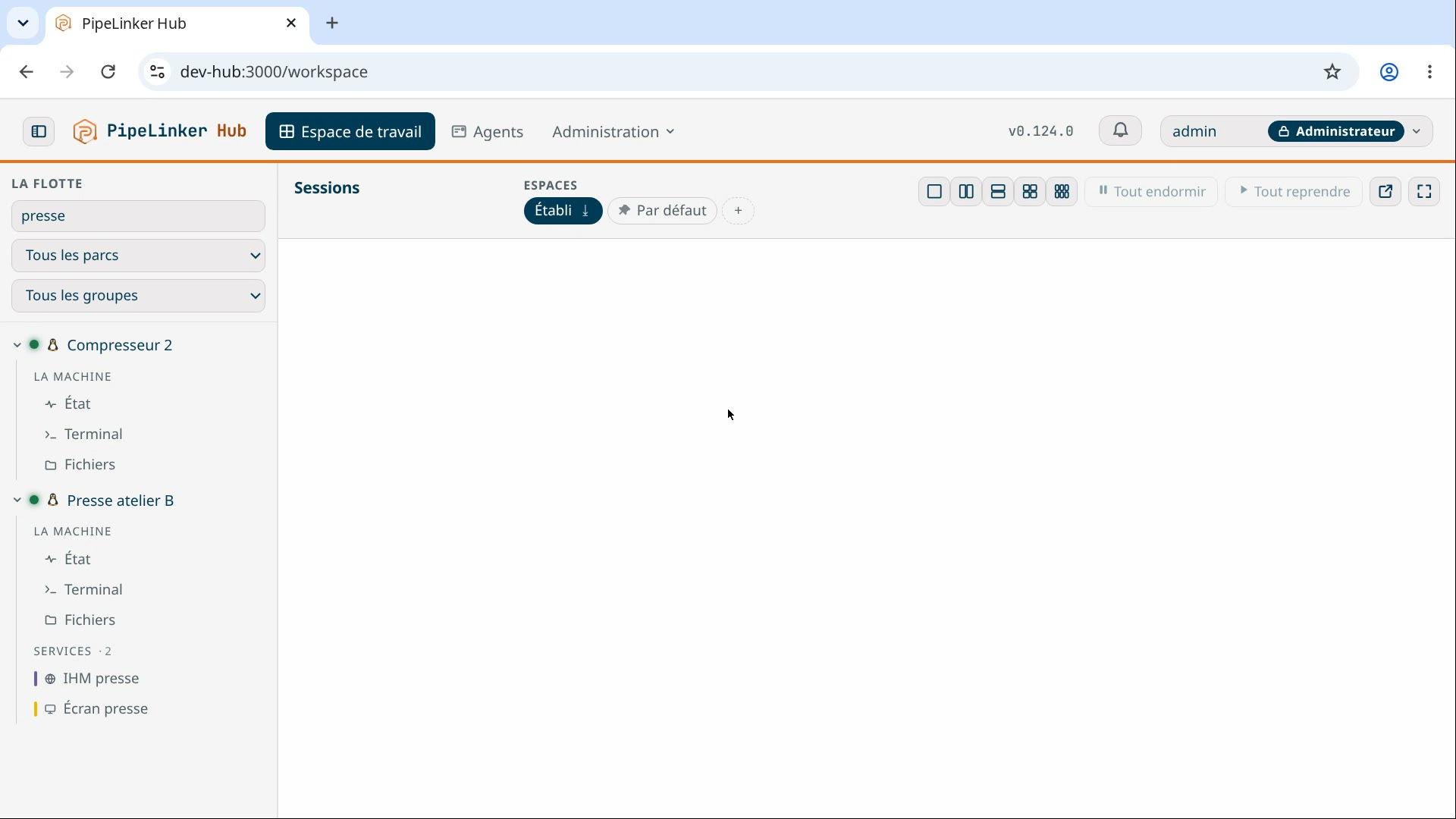
The agent reports the machine's telemetry and metrics without being asked: what answers, what no longer answers, since when, and what runs on it. So you know what to open - and sometimes that there is nothing to open: a machine unreachable for three days is not a session to open, it is a trip to plan.
A PLC's HMI, in your browser
 Prise 4
What is particular about this equipment
A PLC, a UPS, a camera, a line HMI: most of this equipment exposes a web interface, and that interface is the only serious way to configure it. It lives on a network you cannot reach from your desk, behind a remote site with no inbound port open.
The usual answers are expensive: a VPN per site, a jump host to maintain, or a trip.
Web interfaces that work as they do on site
This is the choice that decides reliability. Routing by path prefix breaks the absolute URLs these firmwares write everywhere; routing by hostname leaves them intact.
A corollary: response bodies are never rewritten. The page arrives as the equipment produced it, which no rewriting can guarantee.
And two pieces of equipment do not step on each other: each has its own origin, and therefore its own cookies.
A domain distinct from the console's
This is not cosmetic: on a subdomain of the console, the web interface of a compromised piece of equipment could set a cookie that reaches the console itself.
The session cookie carries the __Host- prefix: the isolation is
checked by the browser rather than promised by us.
What goes through
TLS all the way to the equipment, including to the self-signed certificates most firmwares carry. The WebSocket upgrade, which modern HMIs depend on to refresh their values live. And authentication by the hub upstream: the equipment is only reachable once the hub has recognised the person and checked their rights, the session being traced like the rest.
What does not go through
Equipment that requires NTLM or Negotiate will not open this way: both mechanisms assume a TCP connection held end to end.
The failure is plain: what works will always work, what does not go through never will. You find out at enrolment, not on the day of an intervention.
On Android, within the system's limits
The Android agent carries the terminal, the files and the tunnels, but within what Android leaves to a non-rooted application: the terminal runs under the agent's own identity, in its sandbox, and the files are the folders the device has granted. No remote screen. What the Android agent does